If Server only or Client (send only) and Server (receive only) is selected as the mode for a partner, the settings required for the partner to dial in to the FTP server of !MC5 can be adjusted on the Server page. Login is only possible with a user name and password. Anonymous logins are not accepted. The selected user name and the corresponding password must be communicated to the partner along with the other access data.
1 Open the Server page in the partner settings. Always log in with your user name and password.

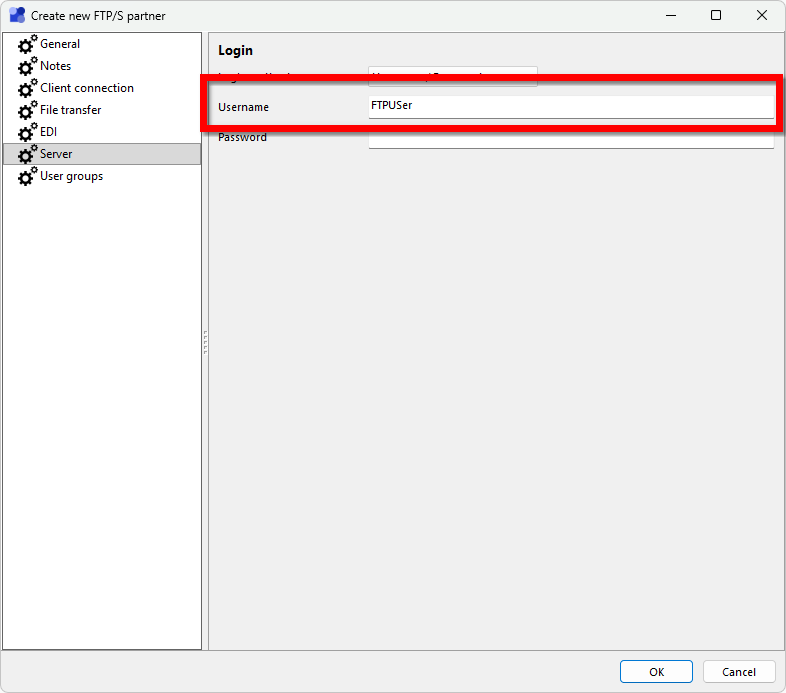
3 Enter the user name with which the partner should be able to log in. There must be no other FTP partner with the same user name! An empty user name can be entered, but logins with an empty user name will not be accepted. As long as no unique, non-empty user name is specified, the partner will not be able to log in.
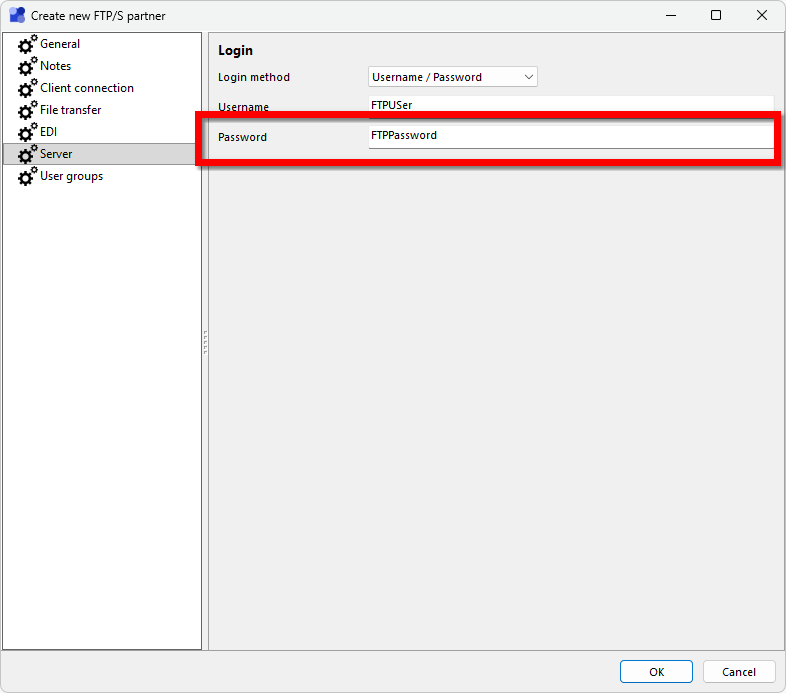
4 Enter the password with which the partner should be able to log in. The password is displayed when you enter it. Once the settings have been saved, the password can no longer be accessed in plain text! When the settings are called up again, only a placeholder is displayed instead of the password. It can only be changed later, but not retrieved! Copy or memorize the password before saving it so that you can send it to your partner together with the user name.
5 Click OK to save the settings and close the dialog. The partner can now log in via FTP with the selected combination of user name and password.