The certificate overview provides you with a quick glance at all certificates currently used by active partners, as well as your own certificates for AS2, FTP, or OFTP2. Expired certificates are highlighted in red, while certificates that are about to expire are marked in orange.
Please ensure that your partners provide you with new certificates in good time; otherwise, data transmission will no longer be possible. For OFTP2 partners, you can alternatively enable automatic certificate exchange. Also make sure to renew your own certificates in a timely manner.
For more information on partner certificates, please refer to the chapter Partner certificates overview.
1 Open the overview via the main menu/tools/partner certificate overview..

2 Overview of own certificates

List
The list contains an overview of all active partners and their certificates.
•Red: Expired certificates.
•Orange: Certificates that are due to expire soon but are still valid.
•Black: Valid certificates
Days until the certificate expires

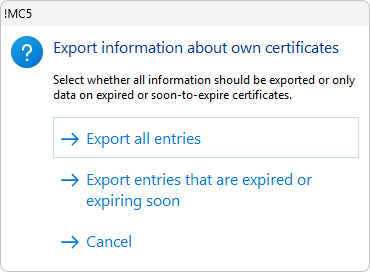
Export
The list can also be exported as a CSV file. The last column contains the number of days remaining until the certificate expires.